
Dated iPad Planner With Hyperlinks for Moms
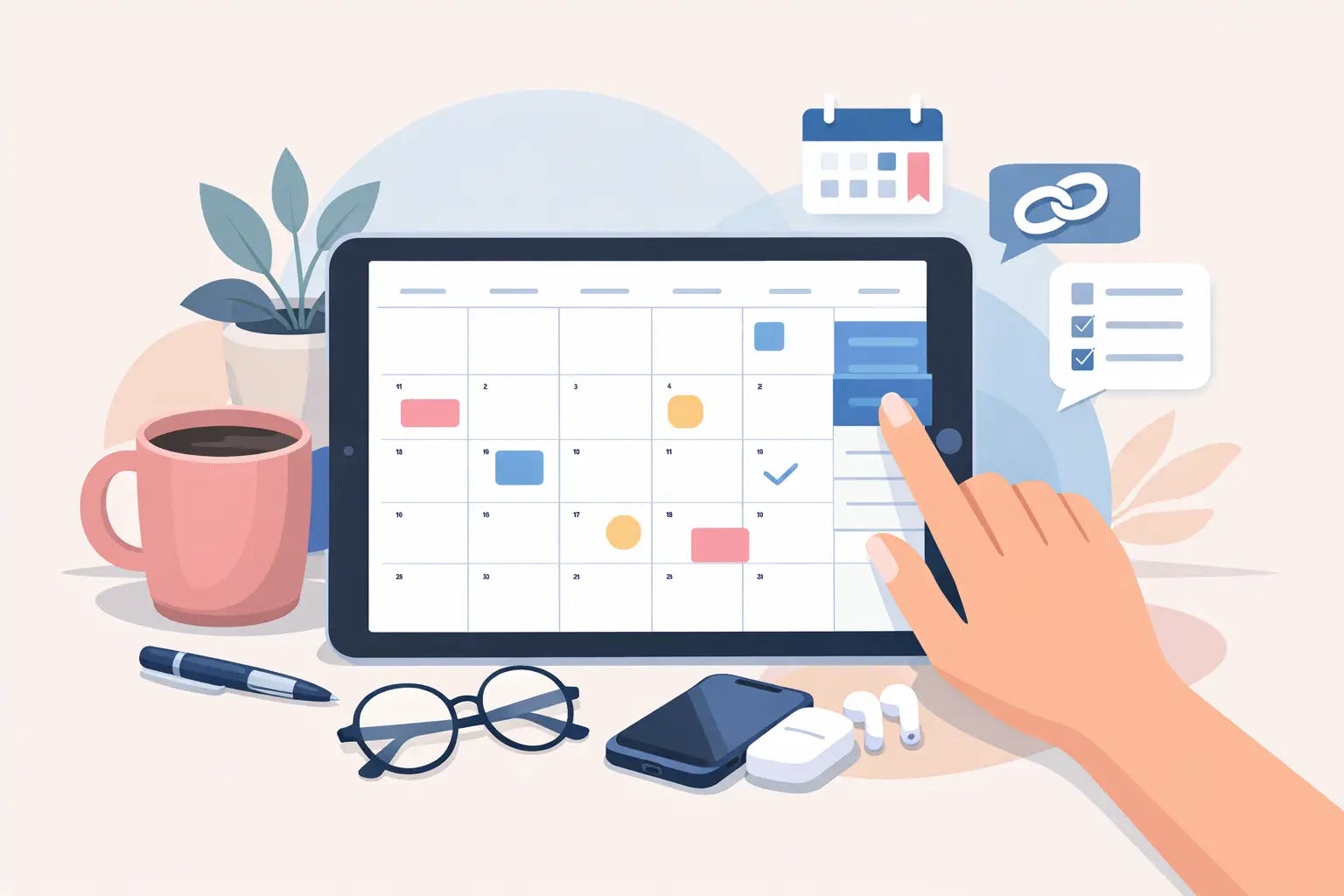
Your toddler needs a snack just as a client message comes in. Your content calendar is in one app, school reminders are in another, and last month’s expenses are waiting in a spreadsheet you have not opened yet. That is exactly where a dated iPad planner with hyperlinks can make a meaningful difference: it gives your busy day one dependable home instead of asking you to keep chasing information across five different places.
For mom entrepreneurs, planning is not about creating a perfectly color-coded life. It is about knowing what needs your attention next, protecting the time you do have, and keeping your business moving without feeling like family life is always getting the leftovers. A thoughtfully designed digital planner can turn scattered thoughts into a plan you can actually follow.
What Makes a Dated iPad Planner With Hyperlinks Different?
A dated digital planner includes calendar pages already labeled with real dates. Rather than filling in every month, week, and day yourself, you can open the planner and start planning immediately. This matters when your schedule includes school drop-off, appointment windows, product launches, client deadlines, and the unpredictable interruptions that come with raising children.
Hyperlinks are what make the planner feel practical on an iPad. They act like tabs in a paper planner, but faster. Tap a month tab to reach the monthly calendar. Tap a date to move to that day’s page. Tap a finance section when it is time to record a payment or review expenses. In compatible digital note-taking apps such as GoodNotes or Notability, you can move around your planner without endlessly swiping through pages.
That small reduction in friction matters. When you only have 10 minutes between a nap ending and a meeting beginning, you should not have to search for the page where you wrote your next three priorities.
Why Dated Pages Can Reduce Your Mental Load
Undated planners have their place. If you only plan occasionally, take long breaks from planning, or want to begin in any month, an undated format can be flexible. But for a business owner managing recurring responsibilities, the blank space can become another task. You still need to write dates, match weekdays, and create the structure before you can use it.
A dated planner removes that setup work. Monday is already Monday. Your launch date already has a place. The school event, client call, grocery pickup, and email deadline can all live on the correct day without you rebuilding the calendar first.
This also creates a more honest picture of capacity. When you see your child’s doctor appointment, a content deadline, and a coaching call on the same Tuesday, you can decide early what needs to move. That is not failure. It is realistic planning.
For many mom entrepreneurs, the value is less about doing more and more about making fewer last-minute decisions. A clear dated schedule helps you protect focused work time, identify overloaded days, and stop relying on memory to hold every detail.
Hyperlinks Help You Stay in Motion
A planner can have beautiful pages and still be frustrating if it is hard to navigate. Hyperlinks help transform a large digital planner into a working command center.
Picture this: you are reviewing your weekly schedule and remember that you need to schedule social posts for an upcoming sale. Instead of closing your calendar, opening a separate document, and trying to remember your campaign idea, you can tap directly into your content planning pages. Afterward, you can jump to your project section to list the tasks involved, then open your finance tracker to note the promotional budget.
That connected flow is especially valuable when personal and business responsibilities overlap. Your life is not divided into neat categories from 9 to 5. A birthday party can affect your production schedule. A busy launch week may mean planning simpler dinners. A unified planner lets you see the full picture before one area creates stress in another.
Hyperlinks are not magic, and they do not replace habits. You still need to open the planner, check it, and make decisions. But they make the system easier to return to, which is often the difference between a planner you love for three days and one you use all year.
The Pages That Matter Most for a Mom-Owned Business
The best planner is not the one with the most pages. It is the one with pages that support the work and home responsibilities you actually carry. For a service provider, Etsy seller, online coach, or freelance social media manager, a central planner should go beyond a basic calendar.
Start with dated daily, weekly, and monthly pages. Monthly pages are useful for seeing launches, family events, and major deadlines at a glance. Weekly pages help you block time for focused work, content creation, errands, and family commitments. Daily pages create room for your top priorities when life gets busy enough that a long task list is no longer helpful.
Business finance pages are equally valuable. Revenue and expenses can feel easy to postpone when you are serving clients or packing orders, but waiting too long makes it harder to understand what is working. A simple place to track income, recurring costs, and business spending gives you better visibility without requiring a complicated system.
Content planning pages help you stay consistent without scrambling for a post idea every morning. Use them to map promotions, educational posts, email topics, video ideas, and seasonal campaigns. When your content is connected to your calendar, you can plan ahead around holidays, school breaks, launches, and the weeks when you know family needs will be higher.
Goal, habit, and project pages add another layer of support. Goals give your month direction. Habit trackers can help you maintain small routines, such as checking finances every Friday or preparing next week’s content on Thursday. Project pages break larger work, like launching a new service or updating an online shop, into manageable next steps.
This is the thinking behind Dean4DigitalPlanner: your business and your family do not need separate planning systems competing for your attention. They need one organized place that respects both.
How to Use Your Planner Without Making It Another Chore
A digital planner should support your routine, not become a new standard you feel guilty about missing. Begin with a simple weekly reset. Choose a consistent time, such as Sunday evening or Monday morning, and look at the week ahead. Add fixed commitments first: appointments, school events, client calls, order deadlines, and family plans.
Next, choose a few business priorities that will truly move things forward. Maybe it is sending two client proposals, finishing product photos, or outlining next week’s content. Avoid filling every open hour. Your schedule needs margin because children get sick, projects take longer than expected, and sometimes you simply need a slower day.
Each morning, open the dated daily page and identify one must-do business task, one home task, and one task that can wait if the day changes. This keeps your plan grounded in real life. If you accomplish more, wonderful. If you do not, you still know you handled what mattered most.
At the end of the week, take a few minutes to move unfinished tasks, record financial activity, and notice what created unnecessary stress. Maybe client work consistently spills into evenings. Maybe content creation works better in one focused block than in daily fragments. Your planner becomes more useful when you use it to spot patterns, not just document tasks.
Choosing the Right Digital Planner Setup
Before purchasing a dated planner, make sure it works with the device and note-taking app you prefer. Most iPad users choose apps like GoodNotes or Notability because they allow handwriting, typing, stickers, and hyperlink navigation. Check that the planner format is compatible with your app and that you understand how hyperlinks work inside it.
Consider how much detail you genuinely need. A daily page is helpful if your days involve multiple client tasks, family logistics, and shifting priorities. If you prefer a broader view, weekly and monthly layouts may be enough. Some seasons call for detailed daily planning, while others only need a weekly reset. The right system should flex with your life.
Also think about whether the planner includes business tools that fit your goals. A generic lifestyle planner may track meals and appointments beautifully but leave you reaching for a separate file to manage content, income, expenses, and projects. Fewer disconnected tools means fewer places for essential information to disappear.
You do not need to plan every minute to run a growing business and be present with your family. You need a place to see what matters, choose your next step, and return when the day gets messy. Open your planner, tap to the page you need, and let clarity be the next small thing you give yourself.